

How to use RedotPay virtual card takes under ten minutes by opening the mobile app, depositing cryptocurrency, and copying your 16-digit card number at checkout. It costs roughly ten dollars to order the virtual card inside the app. This method suits international shoppers who want to spend stablecoins online without a local bank account.
Things you need before using your RedotPay card
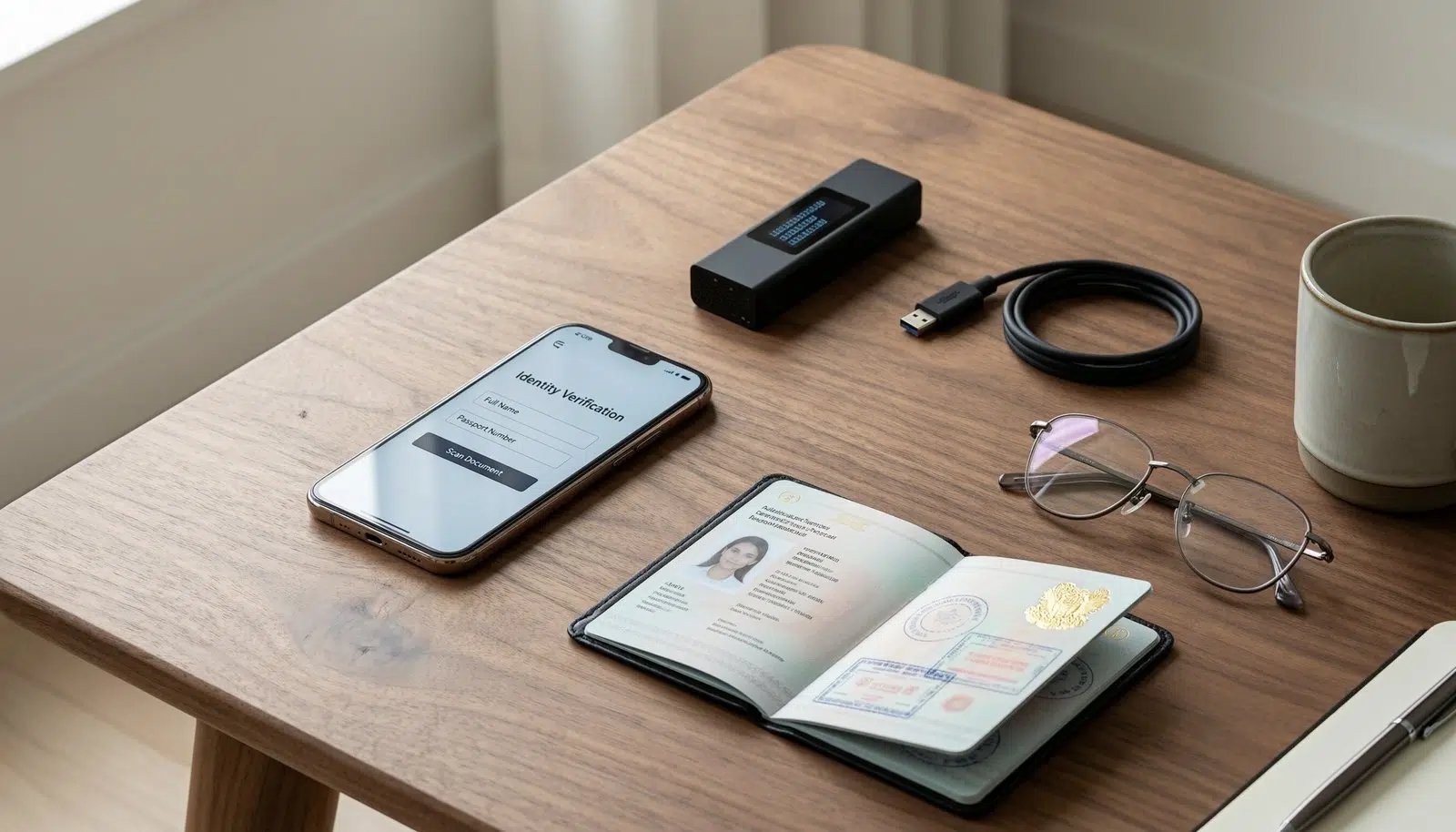
- An iPhone or Android smartphone running a recent operating system.
- The official RedotPay mobile application downloaded from your device app store.
- A valid government passport or national identity card for identity checks.
- A personal crypto wallet or exchange account with supported digital assets like USDT, USDC, or Bitcoin.
- Enough cryptocurrency balance to cover network transfer gas fees plus your initial deposit.
- An active email address and mobile phone number to receive security verification codes.
A national passport works best for instant photo verification, while a temporary paper driving permit won’t pass automated security checks.
Step-by-step
- Open the RedotPay app and tap the card order icon on your home screen to purchase the virtual card.
- Complete the identity verification step by uploading a clear photo of your government passport and taking a quick facial scan.
- Tap Deposit, choose your asset—such as USDT—and select the TRC-20 or BSC network to generate your personal deposit address.
- Send crypto from your external wallet to this address so you have spending funds ready. Careful: Sending crypto over the wrong blockchain network permanently burns your funds, so match the network names on both screens before confirming.
- Wait between two and five minutes for the blockchain network confirmations to clear into your app balance.
- Select your virtual card on the home screen and tap the eye icon to reveal the 16-digit card number, expiration date, and CVV code. Tip: Copy the card number directly using the in-app copy button rather than typing it manually so you avoid checkout errors.
- Enter these payment numbers into any online checkout, like Amazon or PayPal, just as you’d use a regular bank card.
- Authorize the transaction inside your mobile app or by entering the one-time code sent to your phone.
If an exchange flags your account during funding, contact that specific exchange platform directly to clear your withdrawal hold.
Payment methods and spending situations: How to use RedotPay virtual card

Online merchant fees, settlement times, and processing limits change based on how and where you spend your balance.
| Transaction type | Typical fee or cost | Network difference | What to monitor |
|---|---|---|---|
| Online USD checkout | Zero merchant fee | Direct balance deduction | Exact order total matching wallet |
| Foreign currency checkout | Conversion markup fee | Involves currency exchange rate | App exchange rate before payment |
| Mobile wallet link | Zero setup cost | Uses NFC via Apple Pay or Google Pay | Contactless terminal support |
| Small online test charge | One-dollar temporary hold | Pre-authorization hold | Refund return within a few days |
It’s safer to test a five-dollar checkout first to verify your billing details work before running a large payment.
How to tell you did it right
A correct setup shows your card status as active with your available balance displayed in USD right under the card image. The online shop accepts the card instantly, and the app sends a real-time push notification showing the merchant name and exact amount deducted.
A poor result ends in a rejected payment notification or a “declined by issuer” error on the merchant screen. Checkout failures usually happen when account holders forget the billing address rule: your payment address must match the country registered on your verified profile. You can prevent this mistake by checking your profile settings, ensuring your crypto balance covers the merchant’s temporary test hold, and leaving the in-app card freeze toggle turned off.
Spending limits and security rules
Financial identity rules require identity confirmation under know-your-customer regulations published by the Financial Crimes Enforcement Network, which crypto payment issuers use to stop online fraud. Keep your card frozen inside the app security settings whenever you aren’t shopping to stop unauthorized charges.
Save transaction receipts and review your spending history regularly to check for unexpected automated subscription billings. The virtual card lasts several years until the stamped expiration date arrives, requiring a simple digital renewal inside the application. If your account gets locked due to suspicious international activity, reach out directly to customer support inside the mobile app to verify your identity.
Alternative card spending methods: How to use RedotPay virtual card

Physical payment card
Order the physical card version inside the app to withdraw paper cash from local bank ATMs and tap physical payment terminals. This plastic card costs more to issue and takes one to two weeks to arrive in the mail, but it works in regular walk-in retail shops.
Third-party crypto debit cards
Switch to another established issuer like Wirex or Bybit Card if your resident country falls outside the supported service region. This route gives you similar virtual numbers, though account creation and local delivery rules depend heavily on each platform’s license agreements.
Direct gift card purchases
Spend digital coins directly on store gift cards through merchant portals instead of using virtual card numbers. This skips card issuance fees and monthly maintenance costs entirely, but you’re restricted strictly to specific retailers and lose the flexibility of general Visa or Mastercard checkout acceptance.
Frequently asked questions: How to use RedotPay virtual card
Can I connect this virtual card to PayPal?
Yes, you can link the virtual card directly to your PayPal wallet. Enter the 16-digit card number, expiration date, and billing address inside your PayPal account, then confirm the small temporary charge that shows up in your transaction log.
What happens if an online merchant refunds my order?
The refund goes back to your card account within several business days. The merchant sends the money back through the card payment network, and the app credits the returned dollar amount directly to your available balance.
Is it safe to store large crypto balances in the app?
No, keeping large amounts of savings on any spending card app isn’t recommended. Keep your main crypto funds inside a self-custody hardware wallet, then move only the spending money you need for immediate purchases onto the card.
Why was my card payment declined online?
Your card declines if your crypto balance doesn’t cover the item price plus network fees, or if the merchant blocks international prepaid cards. Turn off card freezing in the app and verify your billing zip code matches your profile.
How long does an account deposit take to arrive?
Between three and ten minutes under standard blockchain network conditions. Transfer speed depends on the token network you select; Tron and Binance Smart Chain settle much faster than standard Bitcoin deposits.
Start by linking your new card to your favorite streaming service or food app to test it out. If everything runs smoothly, you can safely connect it to PayPal or Apple Pay for faster daily checkouts. It’s an easy way to see how crypto fits into your everyday routine.